

Breadcrumb schema tells search engines the hierarchical path to a page using JSON-LD markup, which can result in breadcrumb trails appearing in search results instead of raw URLs. The markup requires at least two items with a name, position number, and absolute URL, and must be placed in your initial HTML response so search engines can read it immediately. Validating with Google's Rich Results Test before deployment and monitoring Search Console afterward ensures your breadcrumbs are working correctly.
Breadcrumbs schema: the implementation guide for developers

Breadcrumbs schema is a JSON-LD, microdata or RDFa markup called BreadcrumbList that tells search engines the hierarchical path to a page, using at least two ListItem entries, each with a name, a position integer, and an absolute URL. Add it, and Google can show a breadcrumb trail in search results instead of a raw URL string.
Here's the checklist to work through before you deploy:
- Use
BreadcrumbListas the container, with a minimum of twoListItemobjects. - Give each
ListItemaname, apositionstarting at 1, and anitem(or@id) pointing to an absolute URL. - Place the JSON-LD in the initial HTML response, not injected later by client-side JavaScript.
- Match the schema exactly to what's visible on the page.
- Validate with the Rich Results Test before you ship, then check Search Console after.
Key Takeaways
Breadcrumbs schema works because it combines two required ListItem properties, correct positioning and absolute URLs, with server-side placement that crawlers can read on first request.
Point | Details |
|---|---|
Minimum structure | Use |
Format choice | Default to JSON-LD over microdata or RDFa for easier templating and maintenance. |
Server-side placement | Render breadcrumb JSON-LD in the initial HTML response, not via client-side JavaScript injection. |
Validation workflow | Run the Rich Results Test and Schema Markup Validator, then monitor Search Console Enhancements weekly. |
Managed fixes | Cited audits breadcrumb schema for correct structure, canonical URLs and rendering, then implements the fixes directly. |
Table of Contents
- What are BreadcrumbList and ListItem, and why does breadcrumb schema matter?
- How do you write breadcrumbs schema markup?
- What best practices keep breadcrumbs schema eligible for rich results?
- What mistakes break breadcrumbs schema most often?
- How do you test and monitor breadcrumbs schema after deployment?
- How does Cited audit and fix breadcrumbs schema?
- Ready to fix your own breadcrumb schema?
- Why breadcrumb schema matters more than most developers assume
- Sources
- FAQ
What are BreadcrumbList and ListItem, and why does breadcrumb schema matter?
BreadcrumbList is the Schema.org container type for a breadcrumb trail; ListItem is the object representing each step in that trail. Schema.org's own specification requires at least two ListItem elements, each carrying a name and a position integer, with an item property supplying the URL. Miss either property and the structured data is either invalid or too thin for Google to render.

The reason this markup earns its place in your templates is crawl efficiency. Breadcrumbs act as a permanent internal linking layer running through every page on the site, giving crawlers a route to deep pages that don't get much attention from your primary navigation or XML sitemap. On large catalogues, that structural mesh is often what stops product or article pages from becoming orphaned.
There's a measurable payoff too. Search Engine Land's analysis found that restoring broken or absent breadcrumbs recovered click-through rate to around 7% within three weeks, a fast turnaround for a markup fix that usually takes a developer an afternoon. The same analysis ties breadcrumbs directly to reduced orphaned-page counts on large sites, which is the crawlability half of the benefit that's easy to overlook when you're focused on the visual snippet in search results.
How do you write breadcrumbs schema markup?
JSON-LD is the format Google recommends and the one you should default to. It sits in a single <script> block, keeps your visible HTML clean, and is the easiest of the three formats to generate programmatically from a CMS or templating engine.
Here's a working JSON-LD example for a product page nested three levels deep:
```json
{
"@context": "https://schema.org",
"@type": "BreadcrumbList",
"itemListElement": [
{
"@type": "ListItem",
"position": 1,
"name": "Home",
"item": "https://www.example.com/"
},
{
"@type": "ListItem",
"position": 2,
"name": "Men's Shoes",
"item": "https://www.example.com/mens-shoes/"
},
{
"@type": "ListItem",
"position": 3,
"name": "Trail Running Trainers",
"item": "https://www.example.com/mens-shoes/trail-running/"
}
]
}
```
Microdata achieves the same result inline, wrapped around your existing breadcrumb <ol> or <nav> markup using itemscope, itemtype, and itemprop attributes on each list item. RDFa follows a similar pattern with vocab, typeof, and property attributes instead. Both work; both are harder to maintain than JSON-LD because the structured data is entangled with your presentational HTML rather than sitting apart from it.
Format | Where it lives | Maintenance effort |
|---|---|---|
JSON-LD | Separate | Low, easy to template |
Microdata | Inline attributes on visible breadcrumb HTML | Medium, coupled to markup |
RDFa | Inline attributes, similar to microdata | Medium, coupled to markup |
Placement matters as much as syntax. Render the JSON-LD server-side or via static generation so it's present in the initial HTML response. Client-only injection risks crawlers missing the breadcrumbs entirely during the first crawl pass, which can delay or prevent the rich result from appearing at all.
What best practices keep breadcrumbs schema eligible for rich results?
Google's documentation sets out specific requirements, and drifting from any of them is the fastest way to lose the rich result even when the JSON-LD is technically valid.
- Use absolute canonical URLs in every
itemproperty, never relative paths like/category/. - Match every
namevalue to the exact visible breadcrumb text on the page, word for word. - Number
positionsequentially starting at 1, with no gaps or duplicates. - Pick one canonical breadcrumb path per page when content sits in multiple categories, rather than trying to represent every possible route.
- Keep the schema identical across mobile and desktop templates, since Google indexes primarily from the mobile version.
- Point the final breadcrumb item's URL at the canonical version of the current page, matching your
rel=canonicaltag.
Google itself recommends breadcrumbs that reflect a typical user path rather than a literal mirror of your URL structure, which matters if your URLs are flat but your category hierarchy is deep. On sites with several taxonomy branches sharing category names (multiple "Accessories" sections under different departments, for instance), a stable @id per ListItem helps search engines reconstruct the exact intended path rather than guessing between branches.
Pro Tip: Render breadcrumb JSON-LD server-side wherever you can, even on otherwise client-rendered pages. A templating layer that injects structured data at build time or on the server removes an entire category of indexing delay that client-side frameworks introduce.
What mistakes break breadcrumbs schema most often?
Missing or malformed position values top the list. Every ListItem needs a numeric position starting at 1; skip one or duplicate a number and validators flag the whole block.
Relative URLs cause the next most common failure. Writing item: "/shoes/trail/" instead of the full https://www.example.com/shoes/trail/ leaves Google unable to resolve which page you mean, and the schema specification expects a resolvable URL, not a path fragment.
A few more to check on every template audit:
- Linking to a non-canonical URL (a tracking parameter, a session ID, an old redirect target) instead of the clean canonical version.
- A mismatch between the visible breadcrumb trail and the schema, such as showing "Shoes > Trainers" on the page but encoding "Shoes > Footwear > Trainers" in the markup.
- Duplicate breadcrumb trails on the same page, often left behind after a CMS migration when old and new templates both fire their own JSON-LD block.
That last one is worth flagging specifically during any large catalogue migration: deploying the new breadcrumb template in staging and checking Search Console before launch catches the visible-versus-schema mismatch that migrations create more often than any other single error. Seattle Software Developers has a useful rundown of common site structure mistakes that overlaps heavily with what shows up in breadcrumb audits.
How do you test and monitor breadcrumbs schema after deployment?
Run every new template through Google's Rich Results Test first, which checks both syntax and rich result eligibility in one pass. Follow it with a Schema Markup Validator check for a stricter syntax-only read, useful when the Rich Results Test flags an eligibility issue but you need to confirm the JSON structure itself is sound.
Once live, Search Console's Enhancements report includes a dedicated Breadcrumbs section showing valid, warning, and error counts across the site. Check it weekly for the first month after any template change, since a single faulty component can silently break breadcrumbs across thousands of pages before anyone notices in the search results themselves.
- Rich Results Test: syntax and eligibility check per URL, useful pre-launch.
- Schema Markup Validator: stricter syntax-only validation.
- Search Console Enhancements → Breadcrumbs: site-wide error and warning tracking over time.
- Track click-through rate and index coverage for affected pages after any fix, since that's where the real payoff shows up.
How does Cited audit and fix breadcrumbs schema?
Cited's AI visibility audits check breadcrumb schema as one of several structured data signals that affect whether AI search engines can parse and cite a page correctly. The audit looks for BreadcrumbList presence, correct position sequencing, absolute canonical URLs, and whether the markup renders server-side rather than being injected late by JavaScript.
Where the audit finds gaps, the fix work covers:
- Implementing JSON-LD
BreadcrumbListmarkup directly in page templates. - Correcting canonical link mismatches between visible breadcrumbs and schema.
- Updating server-side rendering so crawlers see the markup on first request.
- Revalidating every fixed template in Search Console before closing the ticket.
If you want a free look at where your own site stands, Cited's AI audit covers this alongside five other dimensions of AI citability.
Ready to fix your own breadcrumb schema?
Reading the Schema.org spec and Google's documentation gets you most of the way, but auditing a live site template by template is where the actual errors hide, particularly on catalogues built up over several migrations. Cited runs a free AI visibility audit that checks breadcrumb schema alongside five other dimensions of AI citability, including technical health and authority signals that Google Search Central and Search Console alone won't surface for you.
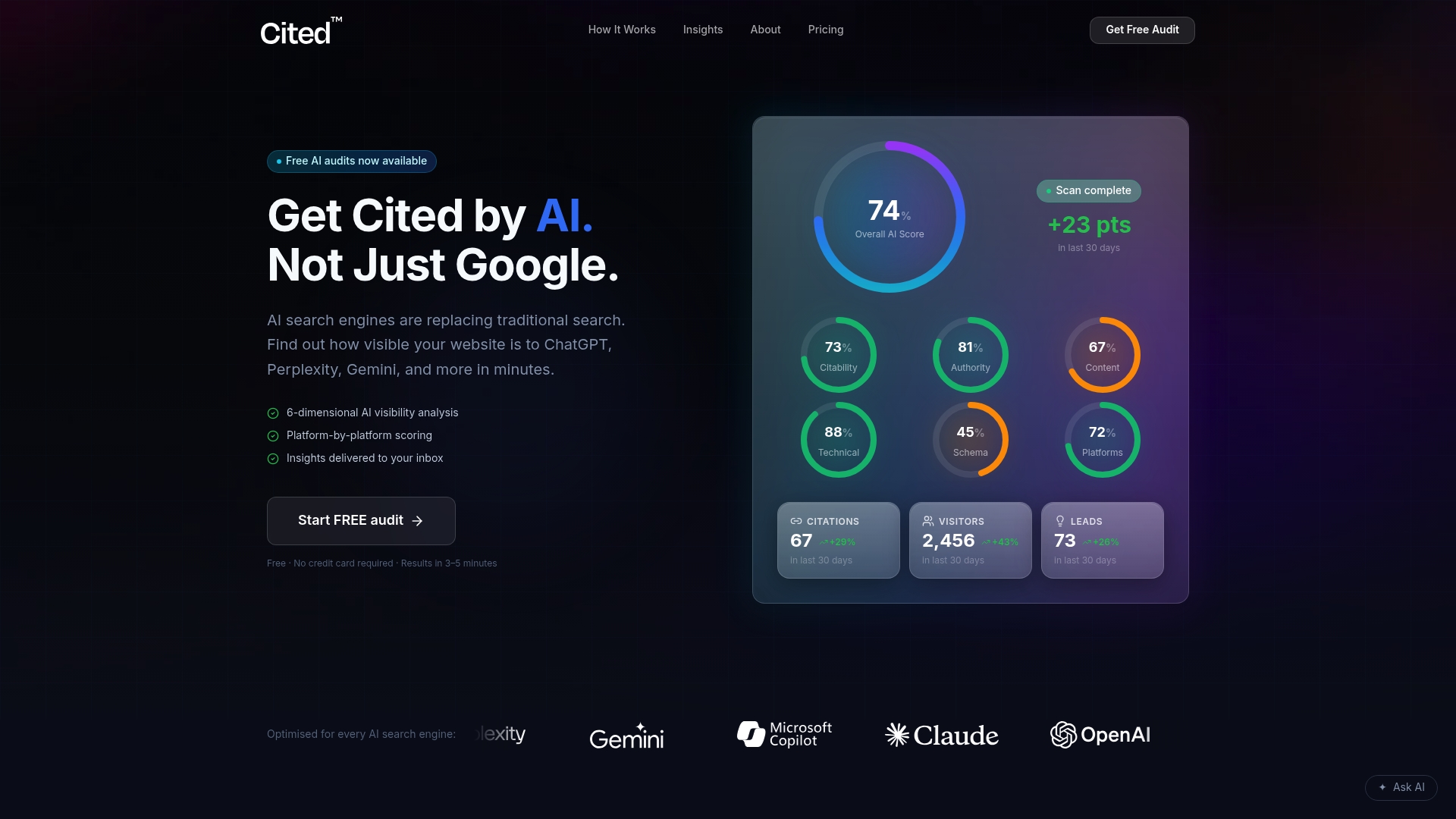
Where the audit finds broken or missing breadcrumb markup, Cited's Technical Fixes service (a one-off £495 project) implements the JSON-LD directly in your templates, corrects canonical mismatches, and revalidates everything in Search Console. Sites needing ongoing structured data maintenance across a growing catalogue tend to fit better on the AI Optimised plan at £995 a month, and Cited's methodology page explains exactly how the six audit dimensions are scored. Start with the free audit, or book a call if you already know breadcrumbs are broken and want them fixed this week.
Why breadcrumb schema matters more than most developers assume
Publishers who clean up structured data across a site tend to see AI systems cite deeper pages more often, not just the homepage. Breadcrumbs are usually the cheapest fix in that pile. If you audit nothing else on a large site, check that every template's visible trail actually matches its JSON-LD.
— Tom Heaton
Sources
- Schema
- How To Add Breadcrumb (BreadcrumbList) Markup
- SEO breadcrumbs: Structure, benefits & best practices
FAQ
What is a breadcrumb approach?
A breadcrumb approach shows users (and search engines) the hierarchical path from a site's homepage to the current page, usually as a horizontal trail near the top of the content. BreadcrumbList schema encodes that same path as structured data so search engines can render it directly in results.
What is an example of a breadcrumb?
A typical example reads "Home > Men's Shoes > Trail Running Trainers", with each segment linking back to its parent category. In JSON-LD, that same trail becomes three ListItem objects with positions 1, 2 and 3.
Can you provide an example of breadcrumb navigation in code?
Yes: an unordered or ordered HTML list (<ol> or <nav>) showing the visible trail, paired with a matching BreadcrumbList JSON-LD block in the page's initial HTML, as shown in the copyable example above.
Is breadcrumb navigation good for SEO?
Yes. Breadcrumbs strengthen internal linking, help prevent orphaned pages on large sites, and can improve click-through rate once broken or missing trails are restored, with one analysis recording CTR recovery to around 7% within three weeks. Getting the schema right also matters for AI visibility, which is exactly what Cited's audit checks alongside five other citability dimensions.
Recommended
Ready for your AI score?
See how visible your site is to ChatGPT, Perplexity & Gemini.
Start FREE auditResults in minutes · 100% free